
Are your devices really safe when you're traveling? One missed update could leave your personal info at risk. Imagine losing your favorite trip photos because your data got hacked. This guide shares 5 easy tips to keep your tech secure on the road. We cover steps like updating your devices and using a trusted VPN (a tool that keeps your online data private). Follow these simple tips and enjoy your trip without worrying about cyber threats.
Core Travel Safety Cybersecurity Checklist
Before you head out, update every device you plan to bring along. Check that your laptop, phone, and tablet have the latest security fixes. For instance, open your phone’s settings and install any pending updates.
Secure your home network before you leave. If you'll be away for a long time, either power off your router or update its password. A strong password and current firmware can keep your digital home safe.
Turn off Bluetooth and disable auto-connect features on your devices. This small step can lower the risk of unwanted access in busy places like airports or cafes.
Use a trusted VPN when connecting to public Wi-Fi. A VPN scrambles your online data, so if someone tries to intercept it on a free hotspot, they won’t be able to read it.
Switch on two-factor authentication for your important accounts. This way, even if someone gets your password, they still need a code from your phone to log in.
Back up your data to an encrypted cloud service or an external drive. It’s a relief to know that your travel photos and vital documents are safe if your device is lost or stolen.
Avoid public USB charging stations because they might install malware on your device. Instead, use your own charger or a portable battery.
Install a full security suite that offers protection against malware and phishing attempts.
Keep your devices close and use biometric locks like fingerprint or face recognition to stop unauthorized use.
Always double-check suspicious emails by looking carefully at the sender’s address.
Device Hardening and Update Protocols for Travel
Before you head to the airport, make sure all your devices are updated. Outdated software can leave gaps for hackers. Check that your laptop, phone, and tablet have the latest updates installed. Turn on automatic security patches if you can. For instance, open your update settings and tap "Check for updates", it’s a quick step that can save you a headache later.
Also, install a trusted antivirus program that covers anti-malware, anti-phishing, and has a built-in firewall. This kind of software helps block harmful files and fends off suspicious network activity, which is especially useful when you connect to public Wi-Fi abroad.
Take a minute to adjust your device settings too. Switch off features like NFC and Bluetooth when you’re not using them. For example, if you won’t use Bluetooth while traveling, turn it off to cut down on risks. It’s also smart to go through your apps and limit permissions so they only have access to what they really need.
Finally, make sure to enable full-disk encryption on your laptop and mobile devices. Encryption keeps your personal data safe if your device ever gets lost or stolen.
Secure Network Connections and VPN Solutions Abroad
When you travel overseas, using public Wi-Fi in cafes or airports can be risky. A trusted VPN like Avast SecureLine encrypts your online data, making it much harder for hackers to steal your information. Before you connect, ask the staff to confirm the network name. This step is important because scammers often set up fake hotspots with similar names.
Turn off auto-join on open networks so you don't connect by mistake. If a VPN isn’t an option, try using mobile tethering or a personal hotspot instead. These methods limit your exposure to public networks. One tip from fellow travelers: if you’re unsure about a network, switch to your mobile data. It might be a bit more expensive, but the extra peace of mind is worth it.
Remember, securing your connection isn’t just about using a VPN. It also means checking your device’s network settings and making sure you’re connected to a safe Wi-Fi network. A few simple checks can protect you from online threats while you explore new places. For more advice, check out our guide on safe public Wi-Fi for international trips.
Strengthening Account Security and Authentication on the Go
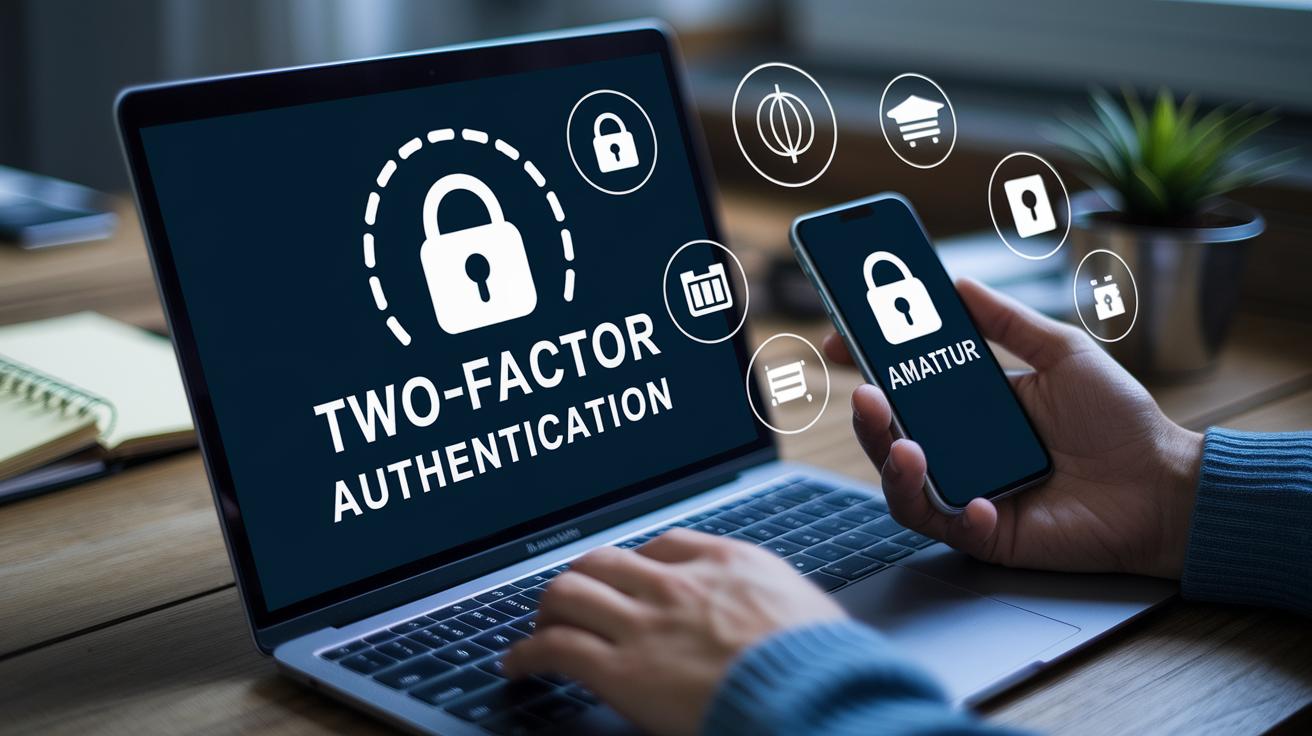
Use two-factor authentication with an app or hardware token instead of SMS codes. When you enter your password, your app will show you a code (like 472891) to confirm it's you.
After you finish using sensitive accounts, clear your session tokens and browser cache. This quick step removes tracks that hackers could use while you're on the move.
For more tips on setting strong passwords, checking email sender domains, and other security practices, see our earlier sections on digital account protection.
Data Backup and Encrypted Storage Strategies for Voyagers
Before you head out, back up your digital essentials. Save your photos, itineraries, passports, and travel documents using secure methods. Try an encrypted cloud storage service that offers end-to-end protection to keep your data safe on vacation. Also, pack an external SSD in your bag so you have a backup if your devices are lost or compromised.
Keep your recovery details, like login info and encryption passphrases, in a separate, safe place. Write them down on paper or store them in a secure offline note. This simple plan helps you restore important files even if your device fails. It cuts travel risks and saves you time and stress while keeping your legal and personal documents ready to use.
Physical Device Protection and Theft Prevention While Traveling
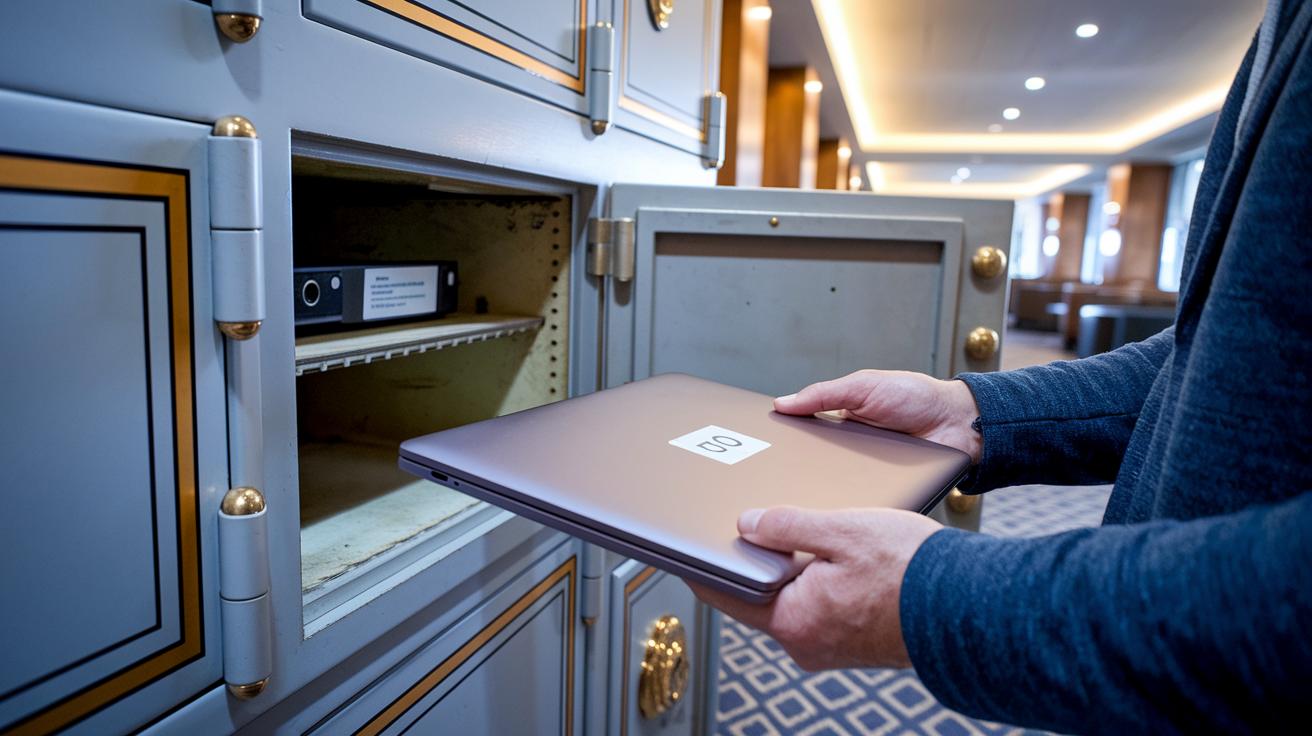
Keep your devices with you whenever you can. At hotels, use the in-room safe to store laptops, smartphones, and tablets when you aren't using them. For extra protection, mark your devices with an ID number and store the serial numbers in a secure file. One traveler said they keep a small list of serial numbers in a travel binder for quick reference.
When you’re at a café or a coworking space, use cable locks on laptops to help stop theft. Also, turn off auto-charge on public USB ports. Instead, plug your charger into your own power bank rather than using a wall socket in busy airports. This simple step helps ward off any hacking attempts at public charging stations.
Set up fingerprint or face-unlock features on your smartphone. This gives you fast and secure access, but remember to change your settings so your device always asks for these before unlocking.
- Carry your own power bank and charger
- Keep devices in plain sight in public areas
- Use cable locks and other physical security tools
Taking these steps cuts down the risk of unauthorized access, theft, or data breaches when you travel. Keeping your gadgets close in crowded places gives you extra peace of mind on your trip.
Incident Response and Recovery Protocols During Travel
If you lose your device or suspect a breach, act fast. Start by wiping your device remotely using Find My Device or a similar service. This step clears your data before it falls into the wrong hands. For instance, use your phone’s remote settings to immediately erase sensitive information when you notice it’s gone.
Next, change your key account passwords and revoke any active session tokens. This stops anyone from accessing your accounts with old credentials.
- Call your bank and mobile carrier to suspend services and block any fraud.
- Restore data from encrypted backups if you cannot recover the device.
- Keep a copy of your incident contacts and procedures in a secure offline file.
Once you have contained the issue, report the event to your company’s IT support or cybersecurity advisor if needed. This helps track potential breaches and warns other travelers. Stick to these clear steps as part of your digital risk plan when abroad. Staying calm and following these tips can reduce your cyber risk and keep your data safe, even when you’re far from home.
Final Words
In the action, we broke down fast tips to keep your devices and data safe while traveling. We touched on updating gadgets, using trusted VPNs, locking down accounts, backing up files, and keeping your devices secure on the move.
Each tip is practical and easy to follow, ensuring you can stay safe on every trip. Stick with your cybersecurity checklist for travel safety, and enjoy your travels with peace of mind.
FAQ
Cybersecurity checklist for travel safety pdf?
The cybersecurity checklist for travel safety PDF outlines steps like updating devices, using secure networks, and enabling two-factor authentication to protect your data while traveling abroad.
Cybersecurity while traveling?
Cybersecurity while traveling means taking pre-trip precautions such as installing security patches, using a VPN, and avoiding unsecured networks to keep your digital information safe on the go.
Cisa international travel?
CISA international travel offers guidelines and recommendations to help travelers protect digital data and follow best practices that reduce cybersecurity risks abroad.
Why is it important to check in with security before any international travel?
Checking in with security before international travel ensures you review safety protocols, update device settings, and back up data, which all help secure your devices and personal information during your trip.
How can you protect a mobile device while traveling cyber awareness 2025?
Protecting a mobile device for cyber awareness 2025 involves regularly updating security patches, enabling two-factor authentication, using a reliable VPN, and managing app permissions to lessen vulnerabilities.
True or false logging in to a private hotel network while on travel is a best practice?
Logging into a private hotel network is not a best practice because these networks can be insecure; it’s safer to verify the network name and use a VPN or personal hotspot instead.
Cybersecurity travel to China?
Cybersecurity for travel to China calls for extra caution by updating devices, using a trusted VPN, and confirming network authenticity amid local internet restrictions to protect your digital data.
Vacation security?
Vacation security means protecting both your physical devices and digital data by using strong passwords, two-factor authentication, regular software updates, and encrypted backups to avoid breaches while traveling.